What Is a Web3 Wallet? How It Works and How to Stay Safe
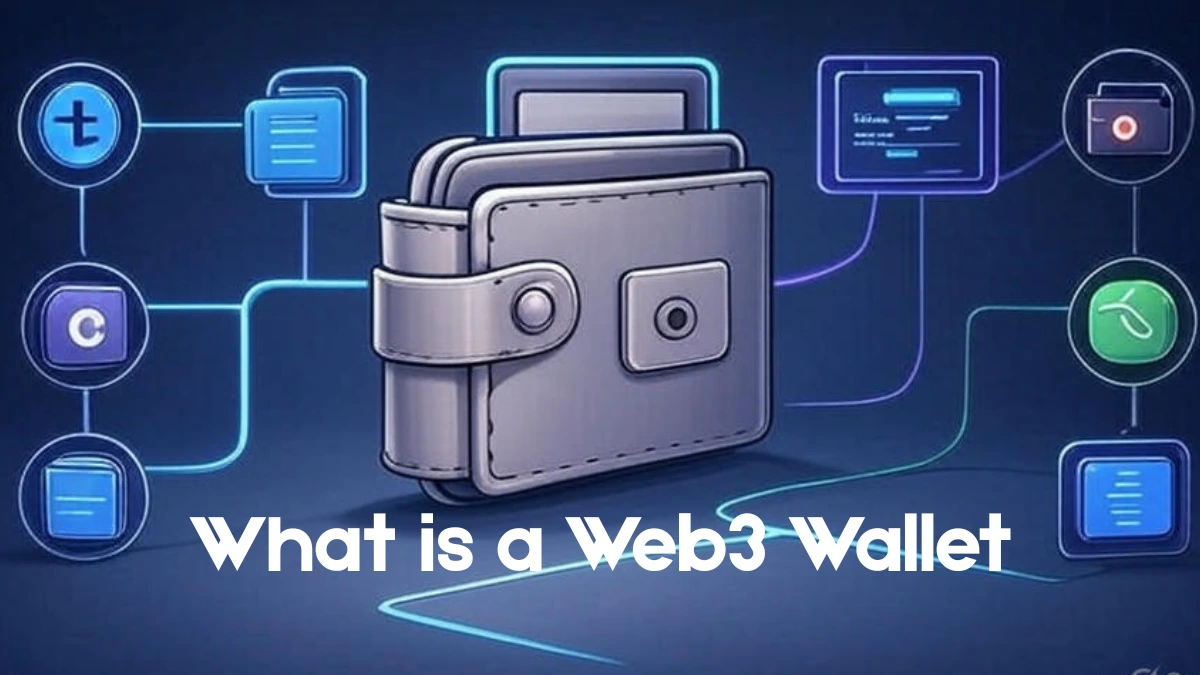
A Web3 wallet is an app or device that stores the cryptographic keys to your blockchain account. With those keys, you can send and receive crypto, prove an account is yours, and sign in to decentralized apps (dapps) without a username or password. The Ethereum Foundation’s wallet guide describes a wallet as a tool for interacting with your account, not a container for your funds. That distinction matters, because the word “wallet” misleads almost everyone at first.
Your coins are not inside the wallet. They are entries on a blockchain. The wallet holds the keys that let you move those entries, and anyone who gets the keys can move them too. Nearly everything below comes back to that one fact.
How a Web3 wallet works
Every account on a blockchain like Ethereum has an address and a pair of keys. The address works like an email address: you can hand it to anyone who wants to send you something. The private key is closer to a password, except there is no “forgot password” link. It signs transactions, and the network treats a valid signature as proof that the account owner approved the action.
A wallet does three jobs. It shows the balance and history tied to your address. It signs transactions when you approve them. And it acts as your login for dapps, since connecting a wallet is how an app learns which account is yours.
The wallet never actually “sends” coins. It produces a signed message, and the network’s validators decide whether to include it in a block.
Address, private key, and seed phrase
| Item | What it is | Who should see it | If lost with no backup |
|---|---|---|---|
| Public address | The account’s identifier, such as a 0x string on Ethereum | Anyone | Recoverable, since it is derived from your keys |
| Private key | The secret that signs transactions for one account | Only you | Access to that account is gone |
| Seed phrase (recovery phrase) | 12 to 24 words that can regenerate every key in the wallet | Only you | Access to every account in the wallet is gone |
Most wallets create the seed phrase using the BIP-39 standard, which draws the words from a fixed list of 2,048. The same phrase can restore your accounts in another wallet app. That is why a stolen phrase is as bad as a stolen key, and why a lost phone is only an annoyance if you wrote the phrase down.
Web3 wallet vs. exchange account
Many people hold their first crypto on an exchange. That is a different arrangement, because the exchange keeps the private keys and gives you a login.
| Exchange account (custodial) | Web3 wallet (self-custody) | |
|---|---|---|
| Who holds the private keys | The exchange | You |
| How you log in | Email and password, usually with 2FA | Seed phrase, PIN or device |
| Password reset | Yes, through support | No |
| Using dapps | Generally not directly | Yes, by connecting the wallet |
| Main risk | Platform failure or a frozen account | Your own mistakes and phishing |
Neither is better in every case. Self-custody trades convenience for control, and the same guide quoted above is blunt that there is no customer support in crypto. If you lose access, nobody can reset it for you.
Types of Web3 wallets
Wallets differ mainly in where the keys live and whether that device is online. Online ones are called hot wallets, offline ones cold wallets.
| Type | Where the keys live | Suits | Main weakness |
|---|---|---|---|
| Browser extension (e.g. MetaMask) | Encrypted storage inside your browser | Regular dapp use on a computer | Malware and fake sites; a compromised computer means a compromised wallet |
| Mobile app (e.g. Phantom) | Encrypted storage on your phone | Everyday use, scanning QR codes to connect to apps | Phone theft or malware |
| Hardware wallet (e.g. Ledger, Trezor) | A dedicated offline device | Larger balances held for a long time | Cost; losing the device and the seed phrase together is permanent |
| Smart contract wallet (e.g. Safe) | An on-chain contract that approved signers control | Shared funds, recovery options, spending rules | Contract bugs; not every app supports them |
Plenty of people end up with two wallets: a small one for daily use and a hardware wallet for what they don’t plan to touch. A hardware wallet usually pairs with a browser or mobile interface, but the signing happens on the device itself, so the private key never reaches your computer.
What happens when you connect a wallet to an app
- You click “Connect wallet” on a dapp and pick your wallet. On a desktop site you might scan a QR code with your phone instead.
- The wallet asks whether to share your address with the site. Saying yes does not give the site your funds.
- When you do something that changes the blockchain, such as a swap or a mint, the app sends a request and your wallet displays it.
- You review the details and approve. The wallet signs with your private key, or the hardware device asks you to confirm.
- The signed transaction is broadcast, you pay a network fee (gas) in the chain’s native token, and validators include it in a block.
One step deserves extra attention. Some actions ask for a token approval, which lets a smart contract spend a specific token from your wallet up to a set limit. Approvals stay active until you cancel them, and unlimited approvals are common. A tool like Revoke.cash lists which contracts currently have access to your tokens and lets you revoke them for a small network fee.
Smart contract wallets and account abstraction
A standard wallet is an externally owned account, where one key controls everything. Leak it or lose it and that’s the end of the story. Smart contract wallets move the rules into code instead, which is the idea behind what ethereum.org calls account abstraction. In practice that can mean recovery through trusted contacts, spending limits, several required approvers, bundled transactions, or someone else covering your gas fees.
The ERC-4337 standard brought this to Ethereum without changing the protocol itself. Its EntryPoint contract went live on mainnet on 1 March 2023, and ethereum.org reports more than 26 million smart wallets created through it. Ethereum’s Pectra upgrade in May 2025 added EIP-7702, which lets an ordinary account delegate to smart contract code while keeping the same address.
The trade-off is real. A smart wallet is only as safe as the contract behind it, and some apps still don’t recognize contract accounts. I’d treat the technology as promising but not settled.
Using a Web3 wallet safely
The cryptography underneath is rarely what fails. The scams listed in ethereum.org’s security and scam prevention guide, including fake support agents, giveaways, and phishing, all aim at getting you to reveal a phrase or sign something you didn’t read. A few habits cover most of the risk:
- Write your seed phrase on paper or metal and keep it offline. Screenshots, photos, and cloud notes are copies someone else can find.
- Never type the phrase into a website, chat window, or “wallet verification” form. Real support teams don’t need it.
- Double-check the recipient address before sending. Transactions on Ethereum cannot be reversed, so for a large amount, send a small test transfer first.
- Read every signing prompt. If you can’t tell what it does, don’t sign it.
- Review your token approvals now and then, and revoke the ones you no longer use.
- Keep long-term holdings in a separate hardware wallet, and use a small, disposable wallet to try new apps.
Treat any giveaway, unsolicited “support” message or urgent warning as a scam until you have confirmed otherwise through the project’s official site.
Frequently asked questions
Is a Web3 wallet the same as a crypto wallet?
In everyday use, mostly yes. People tend to say “Web3 wallet” when they mean a self-custody wallet that connects to dapps, while “crypto wallet” can also refer to an exchange account.
Do I need a Web3 wallet to buy crypto?
No. You can buy on an exchange with just an account. You need a Web3 wallet if you want to hold your own keys or use decentralized apps.
What happens if I lose my phone or hardware device?
If you saved your seed phrase, you can restore your accounts on a new device. If you lost both the device and the phrase, the funds cannot be recovered. Some smart contract wallets offer other recovery routes, such as trusted contacts.
Does it cost anything to create a wallet?
Creating a software wallet is normally free. You pay network fees when you send transactions, and hardware wallets cost money to buy.
Can one wallet work on several blockchains?
Many wallets support multiple networks. A single Ethereum address works across Ethereum-compatible chains, while chains like Bitcoin and Solana use different address formats, so wallets manage separate addresses for them.
This article is for general education and is not financial advice.
Useful resources
- Ethereum wallets guide (ethereum.org): a plain-language introduction to wallets, keys, and seed phrases.
- Ethereum security and scam prevention (ethereum.org): common scams and how to avoid them.
- Account abstraction (ethereum.org): how smart contract wallets work and where the technology is heading.
- BIP-39 specification: the technical standard behind seed phrases.
- ERC-4337 specification and EIP-7702 specification: the proposals behind smart accounts.
- Pectra mainnet announcement (Ethereum Foundation blog): details of the May 2025 upgrade.
- Revoke.cash: a tool for reviewing and cancelling token approvals.